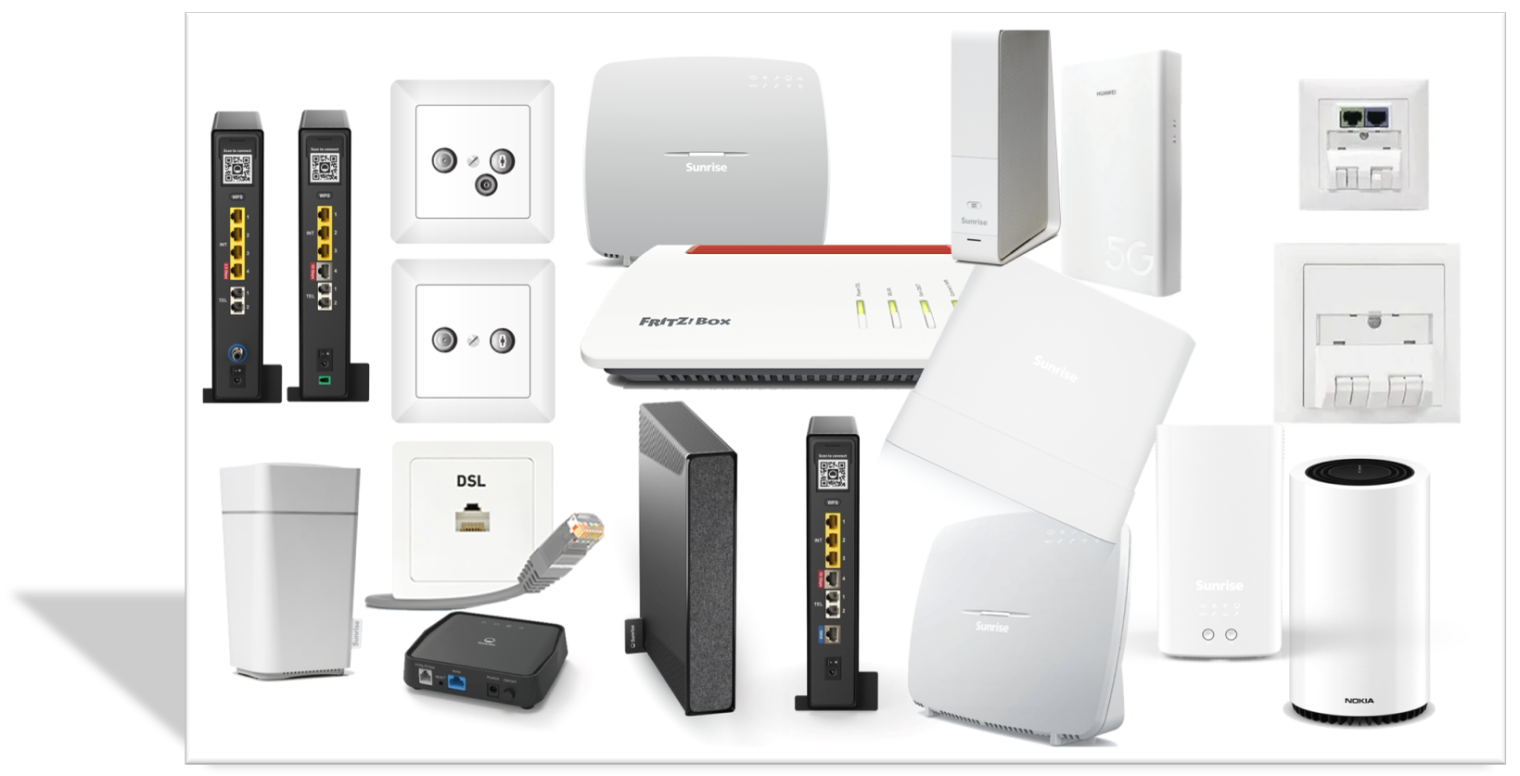
Depending on the Internet access, there are different options for using your own access hardware as an alternative or in addition to the devices provided by Sunrise. In this article, we would like to shed some light on the possibilities.
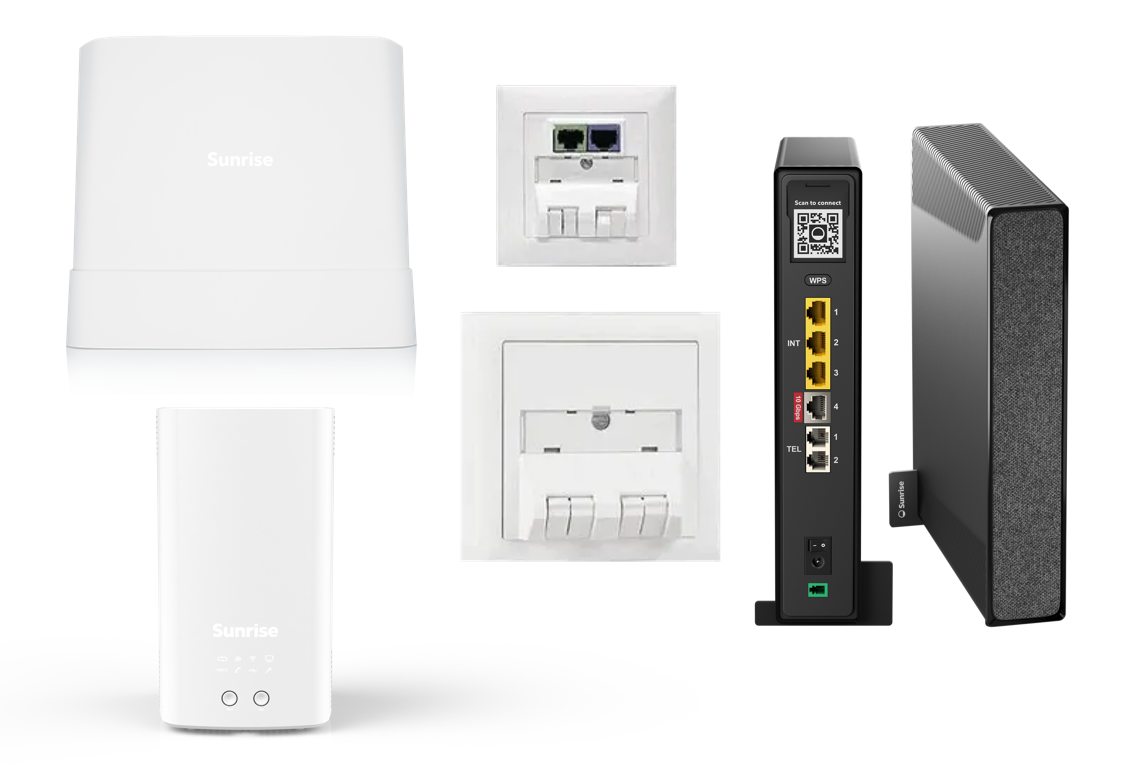
Fiber XGS (with Connect Box 3 Fiber, Sunrise Internet Box 2 or Sunrise Internet Box Zyxel)
Own modem
It is not possible to operate your own Fiber router or a pure Fiber modem. You must use the hardware provided by Sunrise.
Bridge mode
It is not possible to set Sunrise hardware for fiber connections to bridge mode.
Landline
If you would like to use your own IP telephones, please contact our support team on 0800 707 707 to request your SIP data. You will then have to configure it yourself on a suitable end device. Our community will be happy to help you with this.
Further information
You can connect your own router (without an integrated modem) to the Sunrise modem. In this case, we recommend deactivating the Sunrise modem’s WLAN and, if necessary, using the DMZ function to forward all ports to your own router.

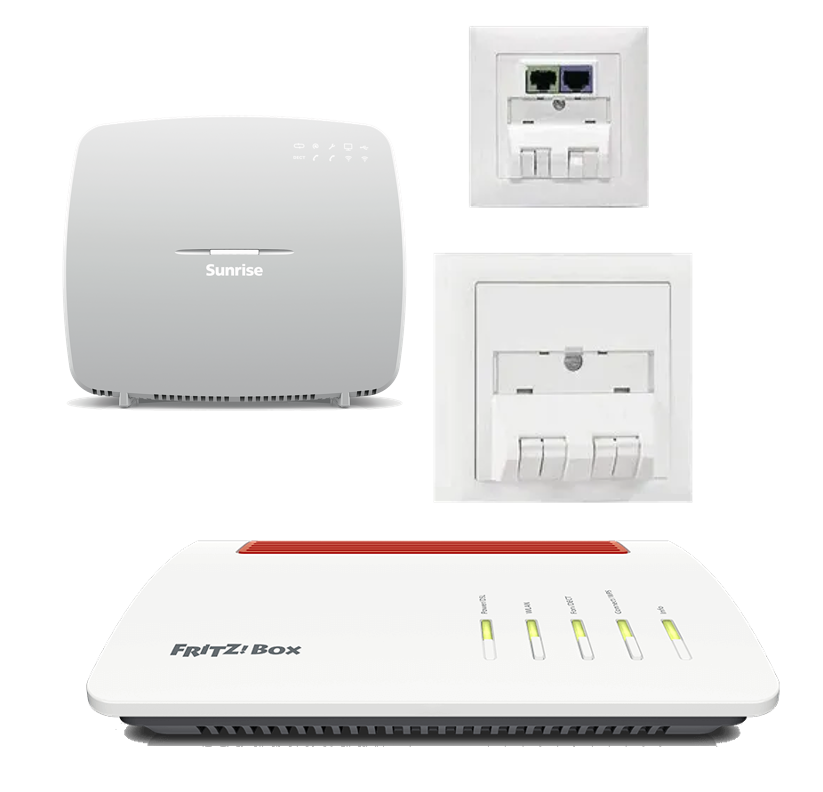
Fiber Point-to-Point (with Sunrise Internet Box, Fritzbox, etc.)
Own modem
You can use your own fiber modem or a fiber router. To do this, the device must have an AON-compatible SFP module (1000Base-BX, single mode, type B).
Possible Fritzboxes:
- Fritzbox 5490 Fiber
- Fritzbox 5530 Fiber AON
- Fritzbox 5590 Fiber AON
Bridge mode
It is not possible to set the Sunrise hardware for fiber connections to bridge mode.
Landline
In some cases, telephony is activated directly on your modem/router. If this is not the case, please contact our support team on 0800 707 707 to request your SIP data. You will then have to configure it yourself on a suitable end device. Our community will be happy to help you with this.
Further information
It is your responsibility to purchase the appropriate equipment and to connect and configure it correctly. Sunrise Support does not provide active support for this process and it is strongly recommended that you keep the Sunrise hardware as a backup and connect it in the event of a fault. Support can only be provided if there is also a problem with the Sunrise hardware.
HFC (cable connection)
Own modem
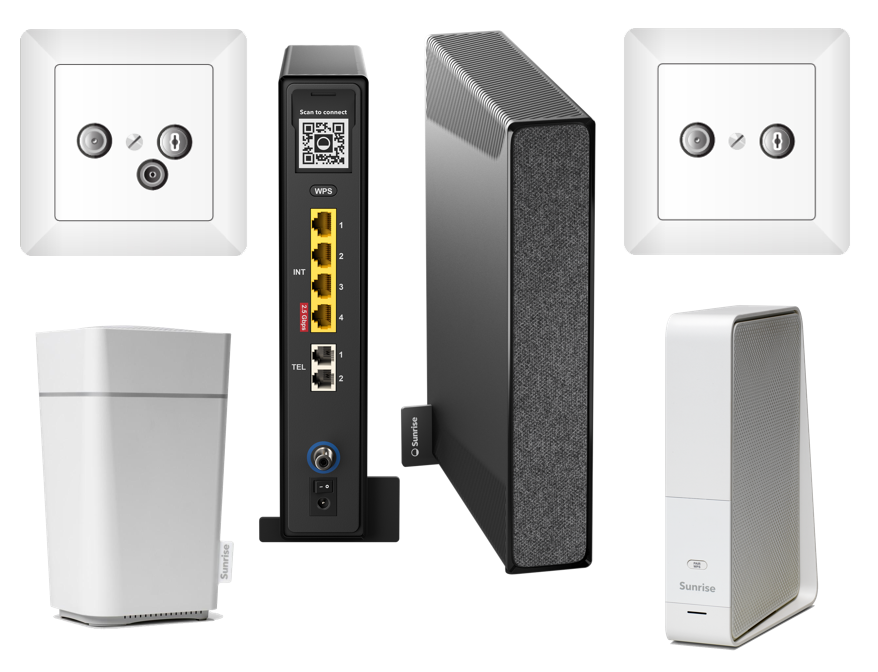
It is not possible to operate your own cable router or a pure cable modem. You must use the hardware provided by Sunrise.
Bridge mode
All Connect Boxes for HFC (cable connection) can be set to bridge mode, which reduces their function to that of a pure cable modem and you can connect your own router (without an integrated modem). The WLAN of the Connect Box is automatically deactivated in bridge mode. The IPv4 option is required to activate Bridge Mode. For Connect Boxes with active IPv6 DS-Lite, the setting is not visible in the router interface. To activate IPv4, please contact our support on 0800 707 707.
Landline
If you would like to use your own IP telephones, please contact our support team on 0800 707 707 to request your SIP data. You will then have to configure it yourself on a suitable end device. Our community will be happy to help you with this.
Further information
When using Bridge Mode, Sunrise’s support is limited to ensuring a correct HFC signal. The use of the customer’s own router and its functions (WLAN, connecting devices, Internet speed, etc.) is the sole responsibility of the customer.
DSL
Own modem
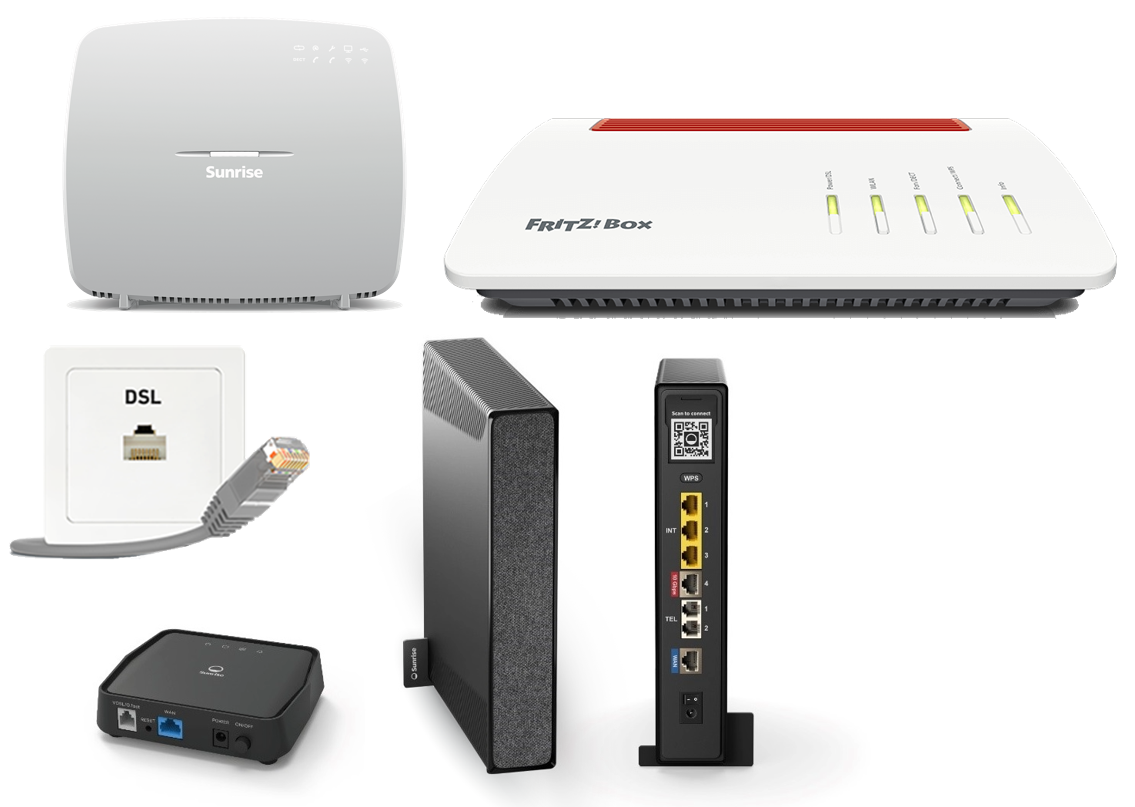
You can use your own DSL modem or DSL router. To do this, the device must have a DSL modem suitable for the customer connection (ADSL, VDSL, G.Fast, etc.). Customers with a Connect Box 3 Ethernet and a DSL receiver must replace both devices. It is not possible, for example, to use the DSL receiver in combination with your own router. It is sufficient to connect your modem directly to the connection.
Possible Fritzboxes:
- Fritzbox 7530 AX
- Fritzbox 7590 AX
- Fritzbox 7582 / 7583 (G.Fast capable)
Older DSL-capable Fritzboxes are no longer recommended due to the reduced speed of the DSL modem and/or integrated WLANs, but can generally be used
Bridge mode
It is not possible to set Sunrise hardware for DSL connections to bridge mode.
Landline
In some cases, telephony is activated directly on your modem/router. If this is not the case, please contact our support team on 0800 707 707 to request your SIP data. You will then have to configure it yourself on a suitable end device. Our community will be happy to help you with this.
Further information
It is your responsibility to purchase the appropriate equipment and to connect and configure it correctly. Sunrise does not provide active support for this process and it is strongly recommended that you keep the Sunrise hardware as a backup and connect it in the event of a fault. Support can only be provided if there is also a problem with the Sunrise hardware.
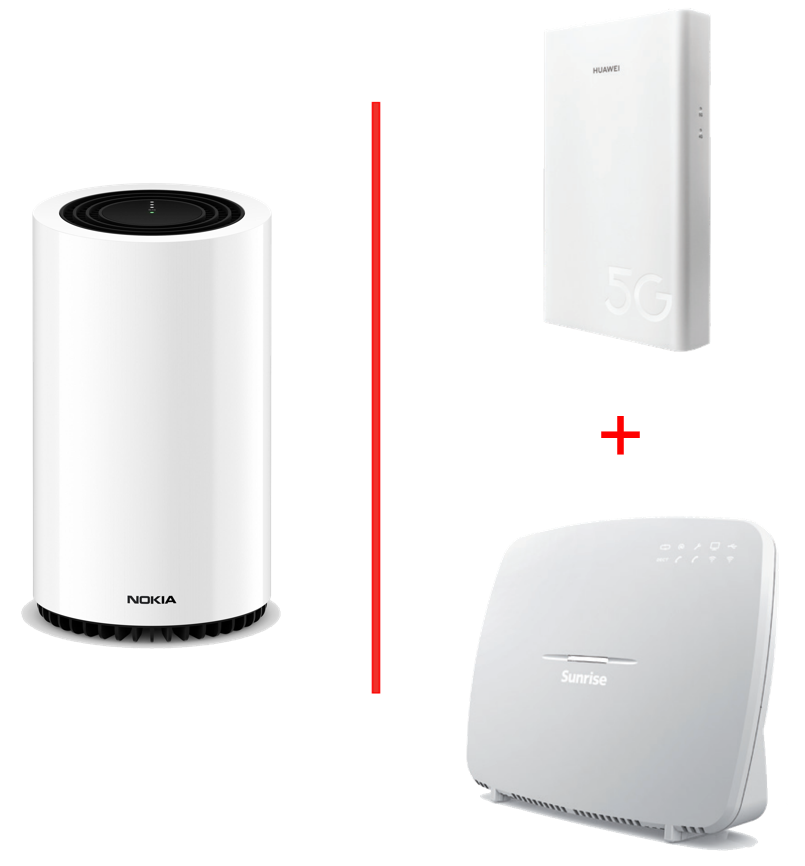
MBB 5G Indoor/Outdoor Modem
Own modem
It is not possible to operate your own mobile router. You must use the hardware provided by Sunrise.
Bridge Mode
It is not possible to set Sunrise hardware for MBB connections to bridge mode.
Landline
If you would like to use your own IP telephones, please contact our support team on 0800 707 707 to request your SIP data. You will then have to configure it yourself on a suitable end device. Our community will be happy to help you with this.
Further information
- The mobile product “We Connect WiFi” is available for using a data SIM in your own 5G router. However, landline telephony and TV Box cannot be combined with this. Use in combination with “TV M solo” is possible.
- You can connect your own router (without an integrated modem) to the Sunrise modem. In this case, we recommend deactivating the WLAN of the Sunrise modem and, if necessary, using the DMZ function to forward all ports to your own router.
Greetings
Daniele