Daniele_Sunrise jan4321 Welcome to the community! Please send us your customer number, address and date of birth via private message for processing. We will then be happy to check the configuration of your modem. Greetings Daniele
Daniele_Sunrise abde2 We have made the switch to IPv4, which will be completed in a few minutes. Greetings Daniele
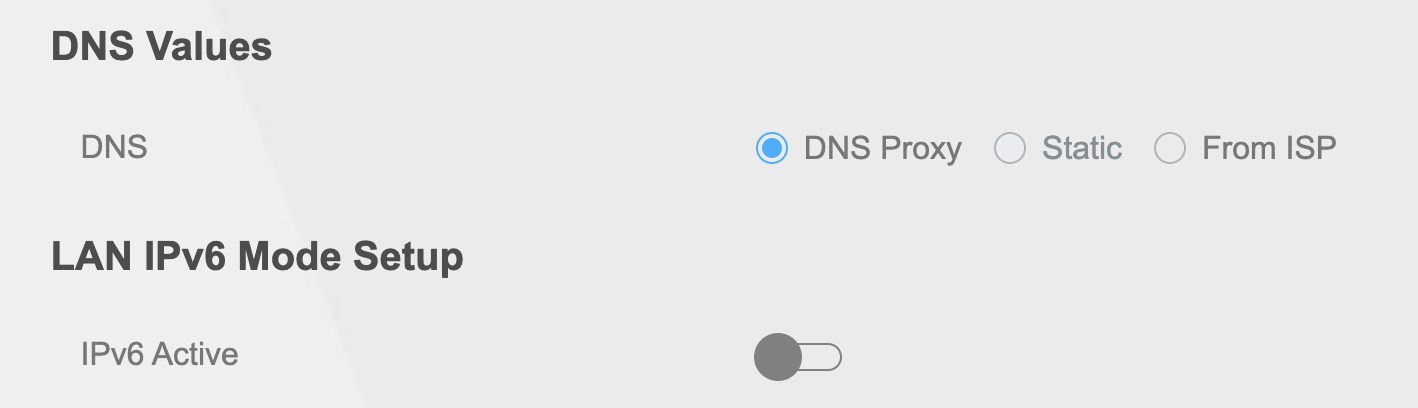
abde2 @Dani_B Thanks. Not sure how switching to IPv4 enables Static DNS config. Can you explain? I see that Static DNS option is still disabled in my UI. Can you enable it please?
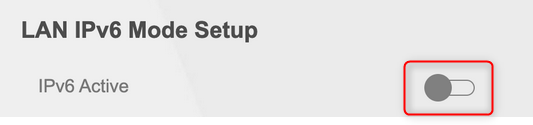
Daniele_Sunrise abde2 Unfortunately, I can’t guide you through the settings as I don’t have any instructions. I would deactivate everything that is IPv6 and then test it again. Greetings Daniele
Lilwolf abde2 Did you ever find a solution to your problem ? I had to change boxes to the older one, which only supports 1 Gbits because the static toggle was also greyed out. I also use a custom DNS server at home (pihole). Thanks for your reply !
abde2 @Lila unfortunately I didn’t find out. I’m relatively tech savvy due to my job, but I didn’t manage to find a solution. Static DNS remained disabled in my UI. Not sure why Sunrise doesn’t allow changing it easily, I hoped @Daniele_Sunrise would know. I’m thinking of buying my own router at this point.
Lilwolf abde2 that was my next question. Can you set your modem/router in bridge mode ? That’s my hope so that you can buy another router and set your own config
Henrymote It would be good to internally report that local dns change should be made editable by advanced users for the next Sunrise router…In fact it was possible by default on Zyxel firmware but customized by Sunrise to remove that option…Not a good move for advanced users.